 BudgetGen
Safe to spend before every payday
Your bills are set aside first, so the number you see is really yours to spend, with about how much a day.
BudgetGen sets your bills aside first and shows what's really yours to spend until payday. Connect your bank, or type your figures in.
7 days free on the yearly plan

Your number on Today, your bills on Plan, your questions on Ask, your accounts on Money. Every figure is worked out from your own pay, bills and balances.



Your bills are set aside first, so the number you see is really yours to spend, with about how much a day.
A heads-up the day before each bill, your number each morning, and a warning if you're heading short before payday. With a bank, a note when a bill hasn't been paid or has gone up.
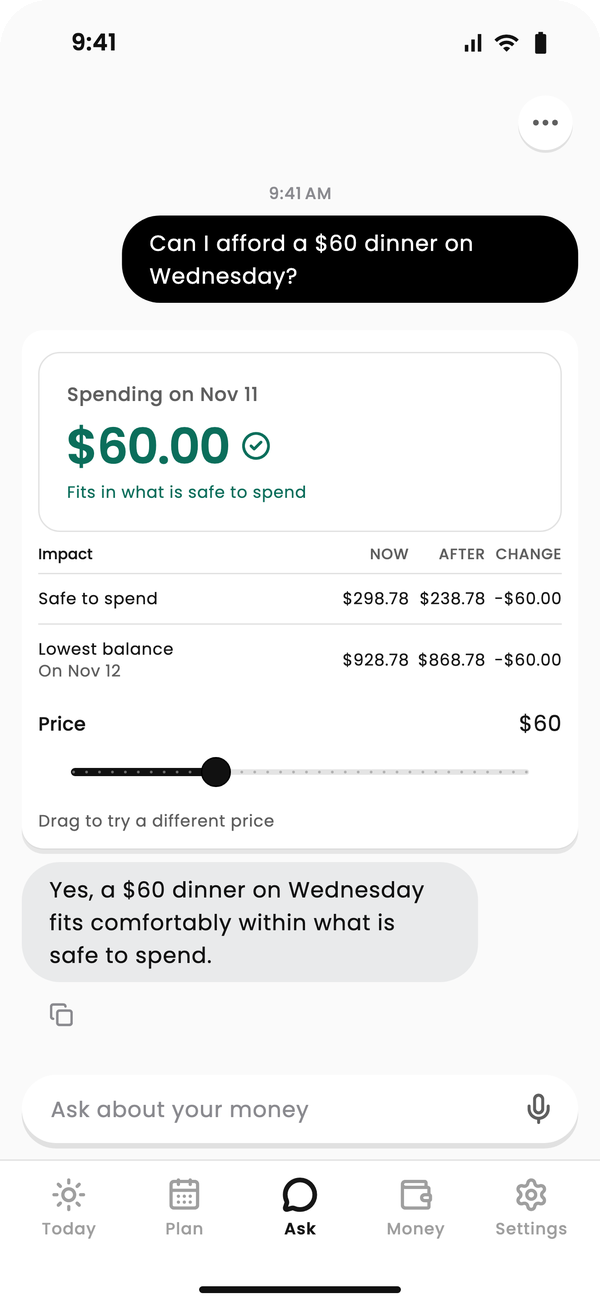
Ask in plain words before you buy. The answer is worked out from your own pay, bills and balance.
Your everyday spending since payday, by category. With your bank connected, each one against your usual.
A limit for each category, split by pay period, and whether you're on pace with it.
Choose an extra amount from each payday and see when you'll be clear. It's set aside until you pay it. BudgetGen never moves money.
Your number on your Home Screen, and days to payday on your Lock Screen, with the amount too if you choose.
Invite your partner and plan together: the same bills, the same budgets, the same picture. One subscription covers you both.
Your plan is used only to answer you. Never sold, no ads, and you can delete it anytime.
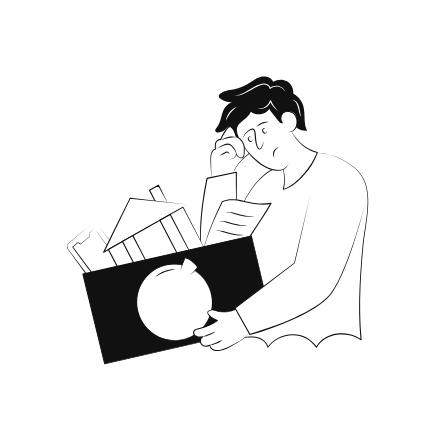
Connect your bank, read-only through Plaid, or type in your pay, your rent and bills, and what's in your account.
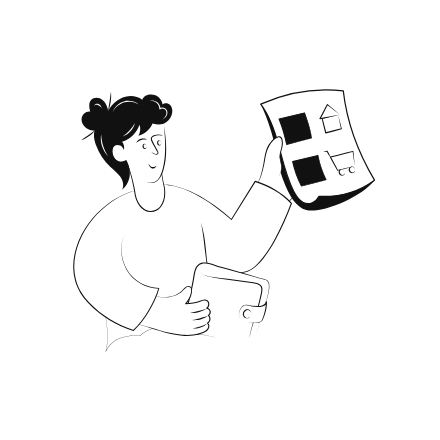
BudgetGen sets your bills aside and shows what's left until your next payday.
Can I afford it? Where did it go? How do I save for this? Just ask.
Start with the yearly plan and pay nothing for a week. With notifications on, we'll remind you before your trial ends. Cancel anytime.
$49.99 / year
About $4.17 a month: save 58%
$9.99 / month
Billed monthly
Prices in US dollars; the App Store shows the price in your currency. Subscriptions renew automatically unless cancelled at least 24 hours before the end of the period, in your iPhone's Settings.
Start your free trialNo, it's your choice. You can connect your bank through Plaid: you sign in to your bank on Plaid's screens or your bank's own, so we never see your password, and BudgetGen can only read your accounts, never move money. Disconnect it any time in Settings. Or type in what you earn, your bills and your balance yourself, which takes about two minutes, and add spending with Add expense on Money, by telling the chat, or by snapping a receipt.
Your plan is stored securely with Google Firebase and used only to run BudgetGen for you. It’s never sold or used for ads, and you can delete it anytime. Read our Privacy Policy.
The yearly plan starts with 7 days free. With notifications on, we'll remind you before it ends. Cancel anytime before then in your iPhone's Settings, under your name, then Subscriptions, and you won't be charged.
No. One subscription covers your shared plan, so a partner you invite uses BudgetGen without paying. If the subscription ends, or the one who pays leaves the plan, the other can subscribe to keep using it.
No. BudgetGen works out figures from what you tell it or what your bank reports, and explains them, but it isn't a financial adviser, and its answers can be wrong. For big decisions, talk to a qualified professional.
BudgetGen works in English. Connecting a bank works with banks in the US and Canada. If you type your figures in, you can use your own currency: Canadian and US dollars, pounds, euros and many more.
BudgetGen is coming to iPhone first. Android is planned.